

In a world where every second counts, why not embrace the precision of military time? Switching your iPhone to this format can make you feel like a time-savvy general, ready to conquer your day with unmatched efficiency. No more guessing whether it’s 2 PM or 14:00—it’s all about clarity and confidence.
Setting your iPhone to military time is easier than finding a good Wi-Fi signal in a coffee shop. With just a few taps, you’ll not only look cooler but also impress your friends with your newfound time-telling prowess. So, whether you’re planning a covert mission or just trying to keep your schedule on point, let’s dive into the steps that’ll transform your iPhone into a tactical timepiece.
Understanding Military Time
Military time represents a 24-hour clock system used globally. This format eliminates ambiguity in scheduling.
Definition and Importance
Military time refers to a numeric time representation from 0000 to 2359. Usage occurs widely in transportation, healthcare, and the military, among other sectors. This system enhances clarity in communication, particularly in avoiding misunderstandings about AM and PM. Professionals often prefer military time for its straightforwardness and precision. A person can manage time more effectively with this format, especially when dealing with tight schedules or international connections.
Differences from Standard Time
Military time contrasts sharply with the standard 12-hour clock system. Standard time divides the day into two segments, morning and evening, denoted by AM and PM. Military time counts continuously from midnight to the next midnight, avoiding the need for these designations. For instance, 1:00 PM in standard time converts to 1300 hours in military time. Late night hours transform differently; 11:00 PM becomes 2300 in military time. This lack of confusion makes military time particularly beneficial for critical situations requiring quick responses.
Steps to Set iPhone to Military Time
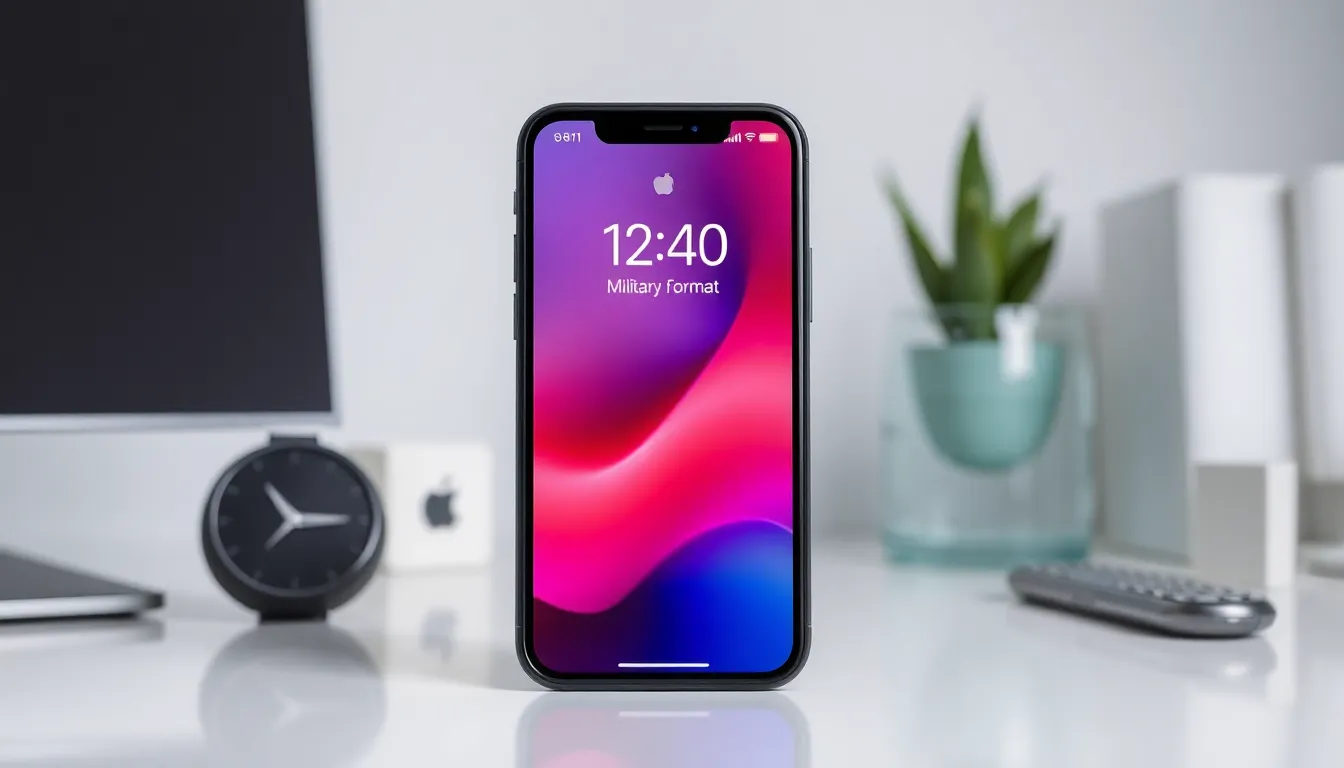
Adjusting an iPhone to military time enhances time visibility and organization. The process involves a few straightforward steps.
Accessing Settings
Open the Settings app to begin. Scroll down until you see the General section. Tap on it, and then find the Date & Time option. Selecting this allows access to time configuration settings.
Changing the Time Format
Look for the 24-Hour Time toggle. Once located, switch it on to activate military time. This setting instantly changes the time display to the 24-hour format. Enjoy the clarity that military time brings to your scheduling experience right away.
Troubleshooting Common Issues
Setting an iPhone to military time can encounter a few issues. Those troubleshooting steps can help resolve problems quickly.
No Military Time After Changing Settings
After changing the settings, some users find their iPhones still display standard time. Recheck that the 24-Hour Time toggle is activated in the Date & Time settings. Occasionally, a simple restart can solve the issue. If military time remains unavailable, consider resetting the settings. Navigate to General, then Reset, and choose Reset All Settings. Ensure that any adjustments for time zones are accurate.
Checking for Software Updates
iPhone software updates can affect time settings and display formats. Check for software updates regularly to maintain optimal performance. Go to Settings, tap General, and select Software Update. If an update is available, downloading can resolve discrepancies in display formats. Keeping iOS up to date enhances overall functionality. By ensuring the iPhone runs the latest version, users can alleviate bugs that might interfere with military time settings.
Tips for Using Military Time
Utilizing military time enhances clarity and precision in daily activities. Understanding its benefits can improve scheduling and time management skills.
Benefits of Military Time
Accuracy tops the list among the advantages of military time. This format eliminates confusion between AM and PM, making it easier to interpret time quickly. Enhanced communication often occurs in professional settings, where ambiguity can lead to costly mistakes. Employing military time supports better organization, especially when coordinating tasks or events. Scheduling flights or appointments benefits from precision that military time offers. Overall, adopting this time format fosters efficiency and reduces misunderstandings.
Practical Applications
Military time proves beneficial across various sectors. Healthcare professionals often use it to record patient information and ensure timely medication administration. Transportation industries, like aviation and rail systems, rely on military time for schedules, minimizing the risk of missed connections. Military settings prioritize this time format for operations requiring prompt action. Students can manage their time more effectively by adopting military time for classes and assignments. Incorporating military time into everyday life reinforces punctuality and clarity in planning.
Switching to military time on an iPhone can significantly enhance time management and communication. This straightforward adjustment not only eliminates confusion but also improves overall efficiency in daily activities. By following the simple steps outlined in the article, users can transform their devices into precise timekeeping tools.
Embracing military time is especially advantageous in professional environments where clarity is crucial. It’s a small change that can lead to greater punctuality and organization. Whether for personal use or in demanding fields like healthcare and transportation, adopting this format can streamline scheduling and improve responsiveness. Adopting military time could be the key to a more organized and efficient lifestyle.


